
Early Access
To participate in the Android private test track, please follow these steps:
-
Join the Testers Group:
First, join our Google Group to get access to the private test track.
Join Google Group -
Download on Google Play:
Once you've joined the group, you can download the app directly from the Play Store.
Get it on Google Play
Showcase
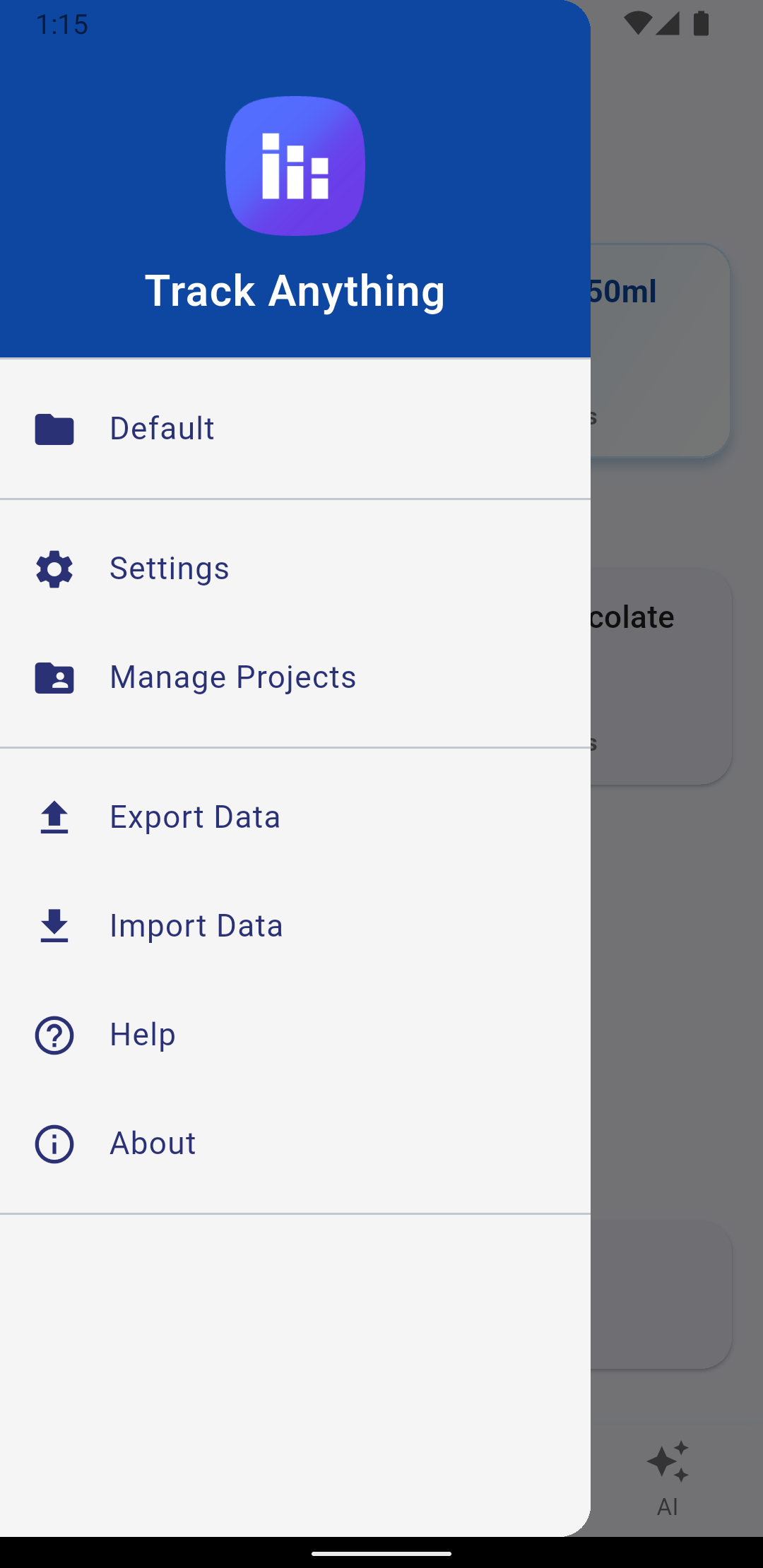
Features
- Projects for a topic you want to track (e.g. symptoms, health, habits, work)
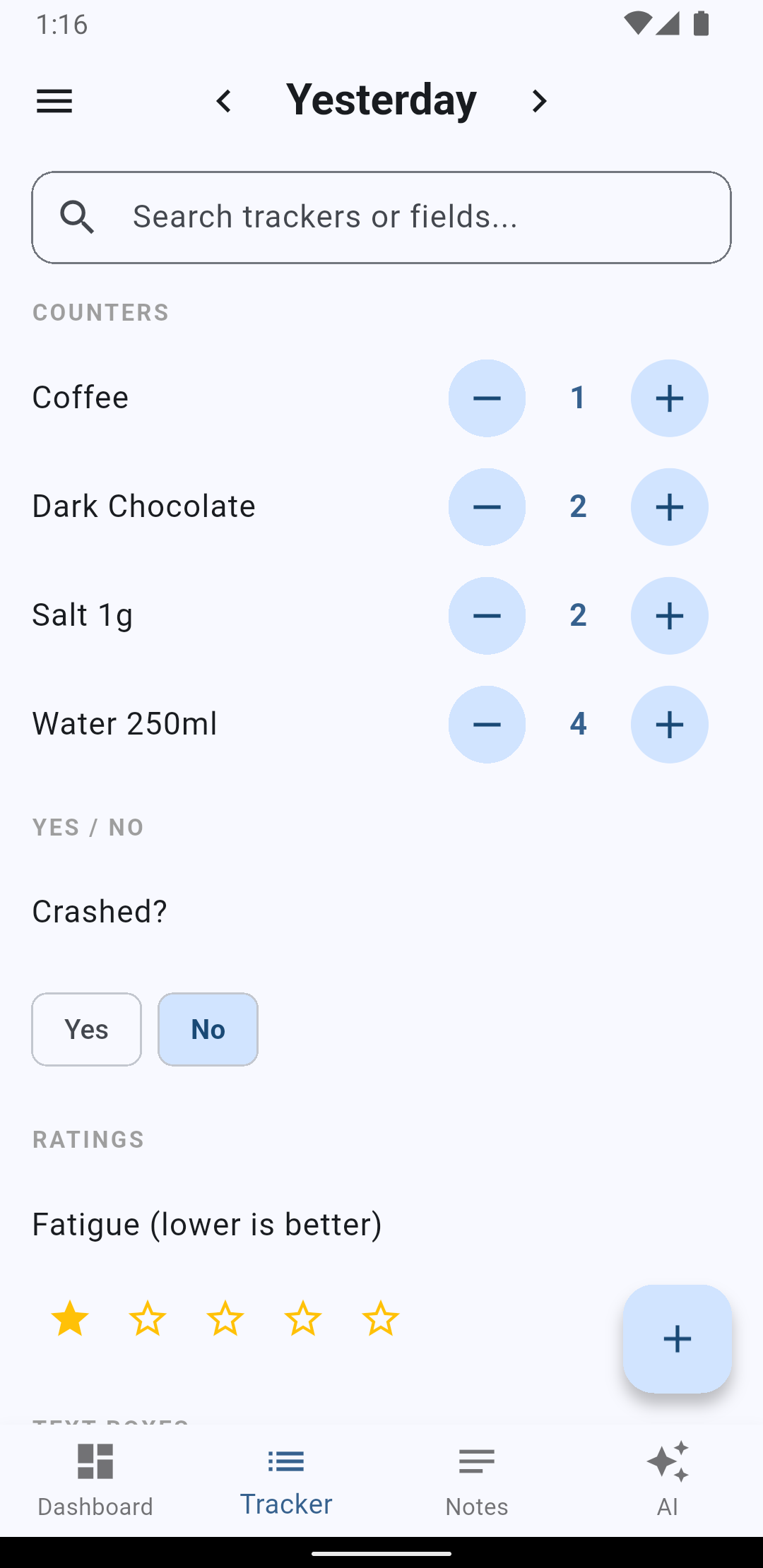
- Trackers like counters, notes, ratings, choices, and more
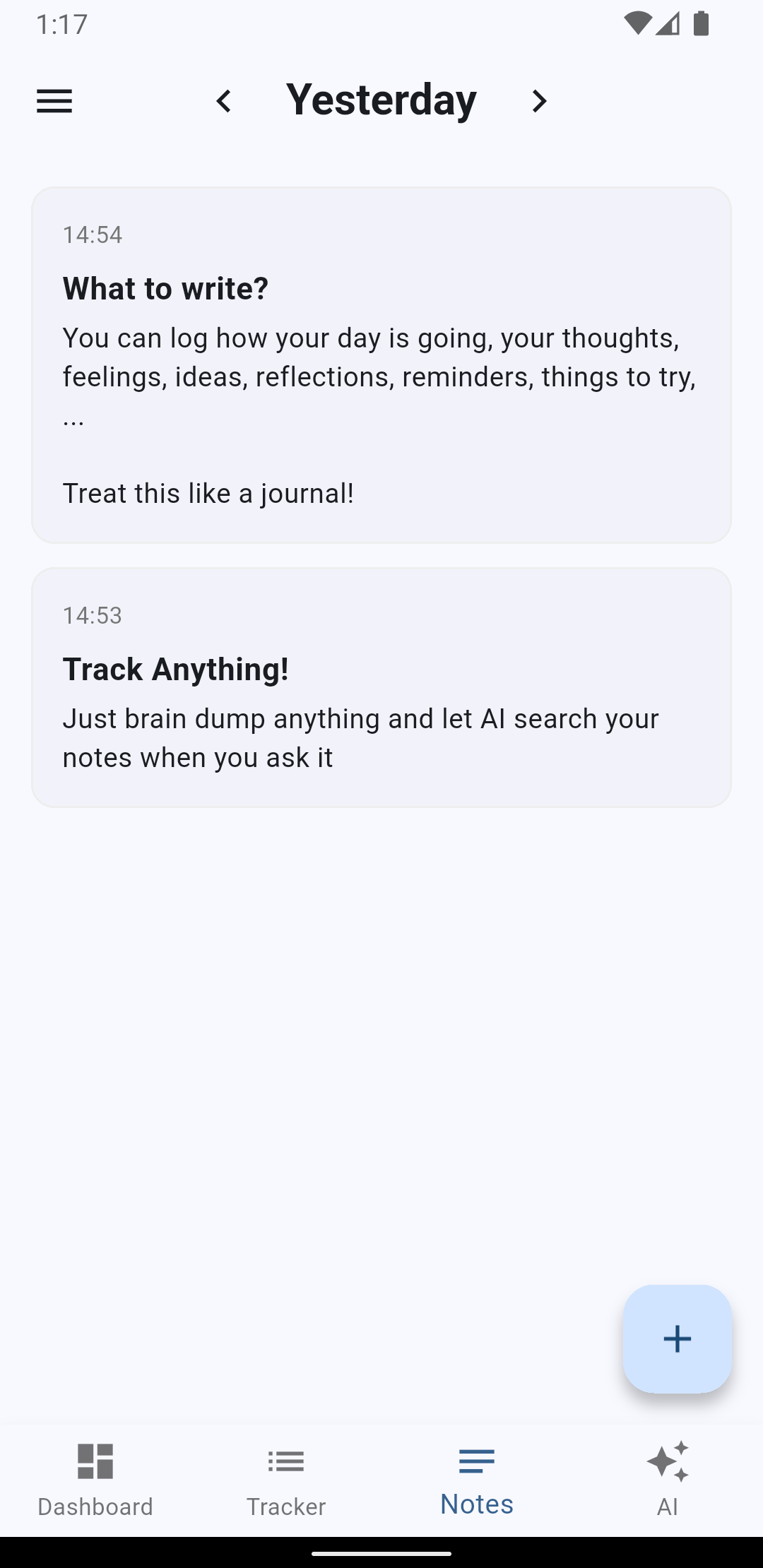
- Text notes to build a diary
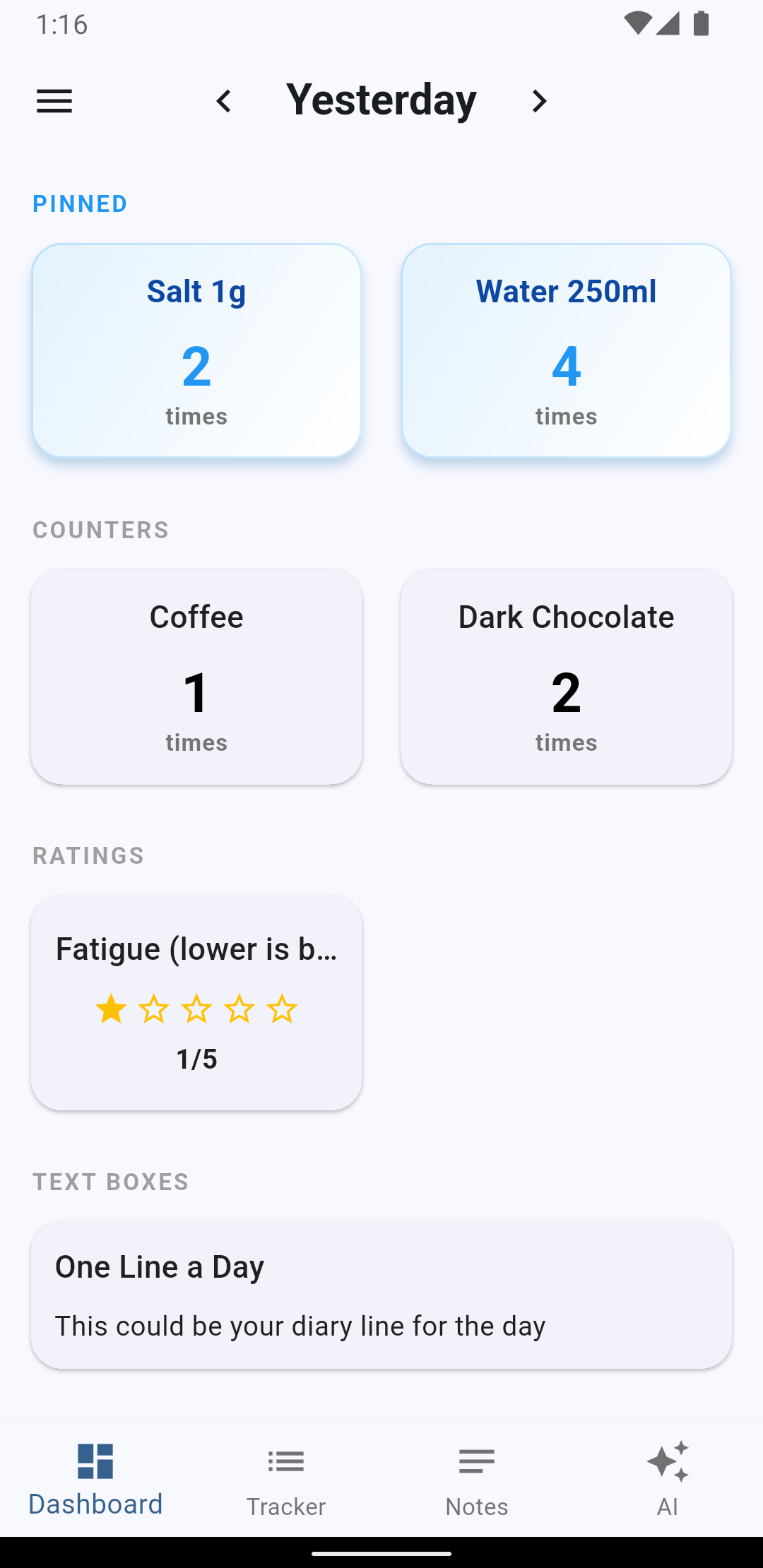
- Dashboard to keep track of your most important points
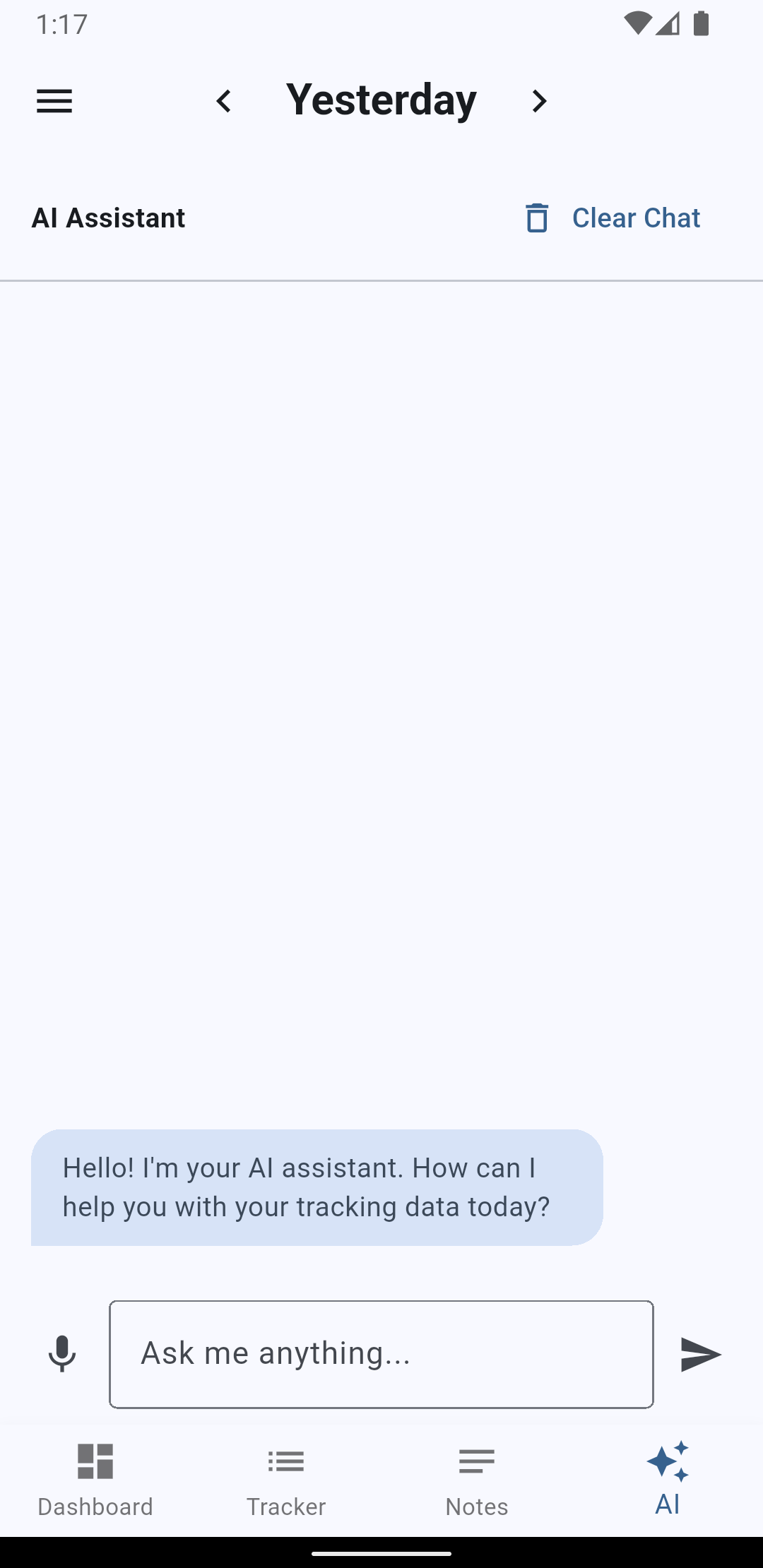
- AI Chat to gain insights
- Export Data to take it anywhere you want
Use cases
- Health Track symptoms, feelings, fatigue, recovery, sleep quality, fluid intake
- Mental Wellbeing Thoughts, feelings, daily reflections, one line a day
- Nutrition Track water intake, meal quality, and energy levels
- Fitness Track workouts, body measurements, recovery notes
- Productivity Track goals, outcomes, thoughts, quotes
- Personal Goals Track learning progress, reading sessions, or language practice
FAQ
How do I get a Google Gemini API key?
- Sign in with your Google account at Google AI Studio
- Open the Get API key section
- Create a new key
- Copy the key and paste it into the app settings where Gemini API access is configured
- Keep your key private and do not share it publicly
- Open the Dashboard | Billing section
- Configure Billing
Is the API key required to use the app?
No. Core tracking features work without an API key. The key is only needed for AI-assisted chat/summaries.
Legal information
Pre-release notice: This is a private test build provided for evaluation purposes. Features, user interface, database schema and behavior may change without notice. It is advised to regularly backup your data via the `Export Data` function.
Data backup: Do not share your backup with anyone, as it may contain confidential information and secrets such as API keys.
No warranty: The app is provided “as is” for testing. The developer provides no guarantees regarding uptime, fitness for a specific purpose, or uninterrupted availability.
Data handling: As a tester, avoid entering sensitive personal or confidential data unless explicitly requested. You are responsible for reviewing what you store and share during testing.
Third-party services: AI features may use Google Gemini APIs and are subject to Google’s terms and policies.
Contact: florian.trippel@gmail.com